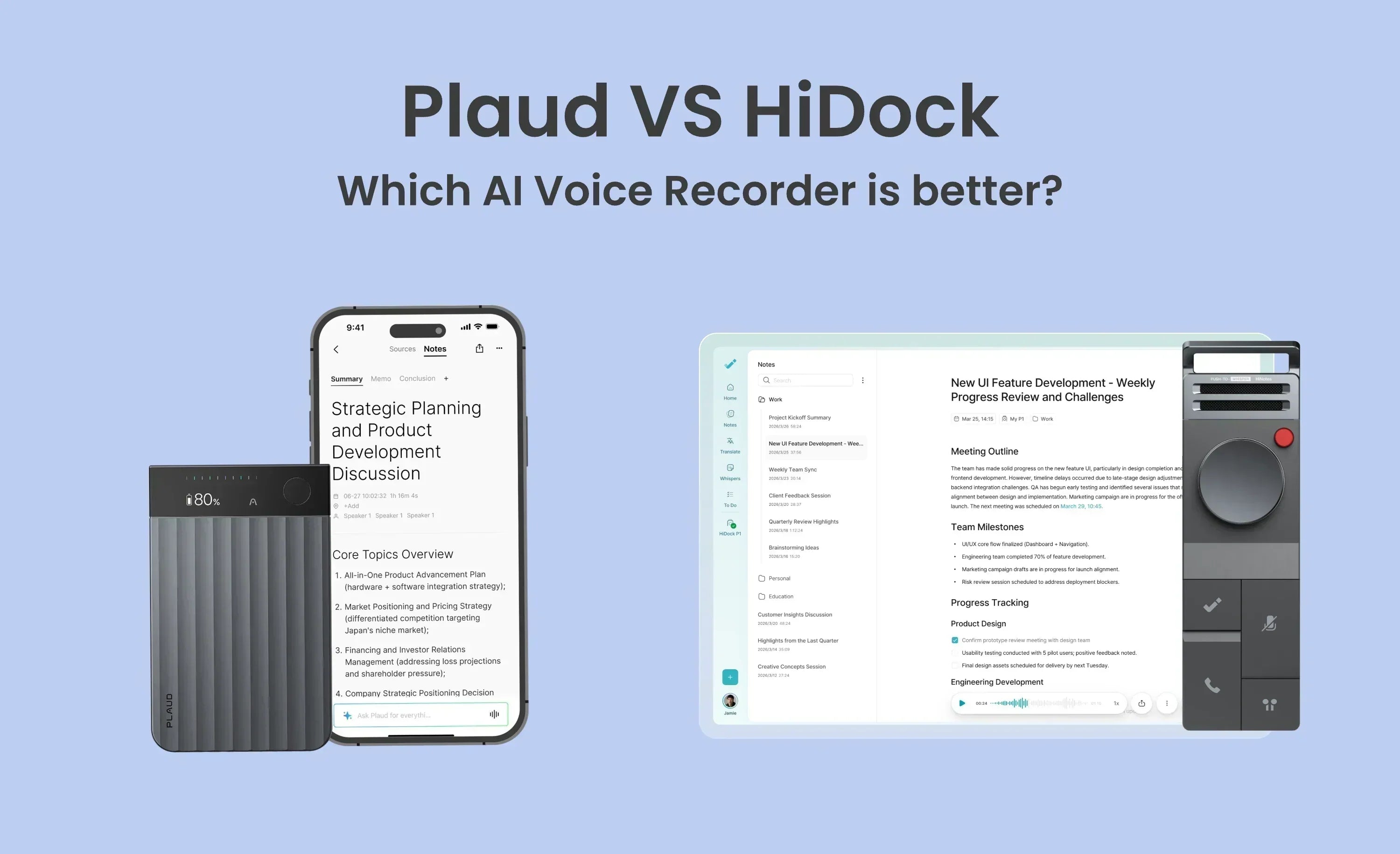




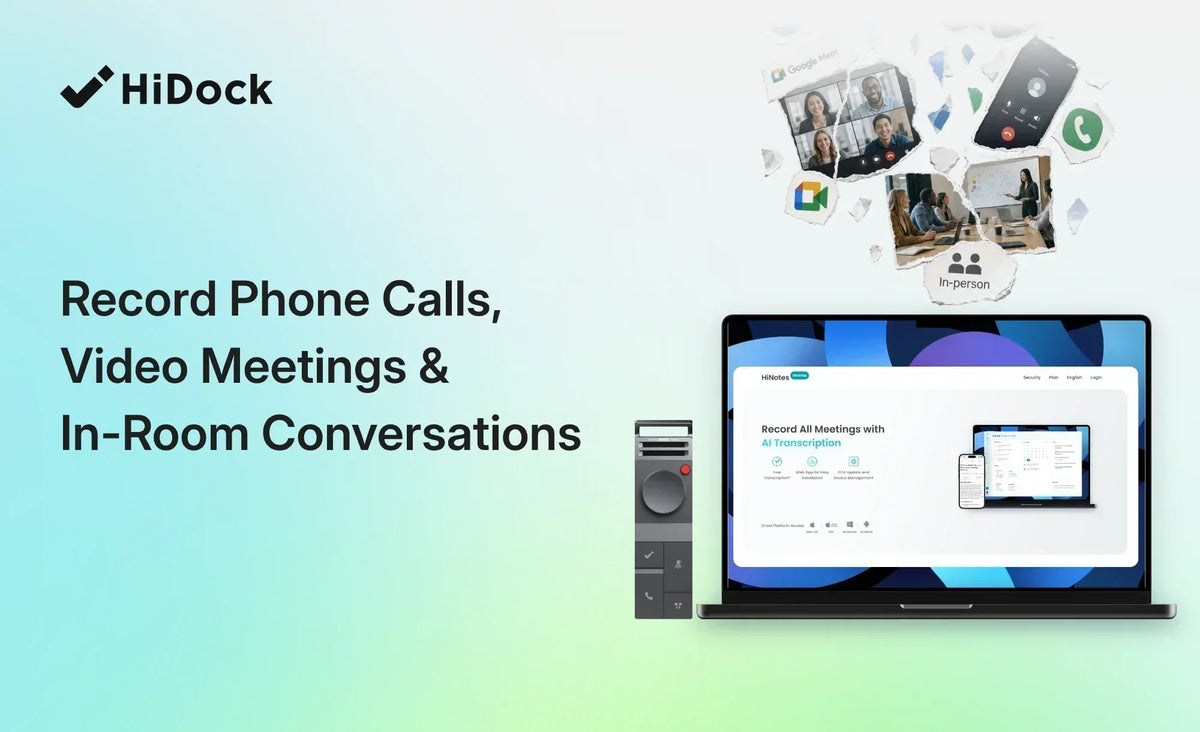
AI meeting software covers video calls on a laptop well and covers almost nothing else. Phone calls, Bluetooth earphone calls, and in-person conversations either need a bot in the meeting, a supported platform, or a live cloud connection. A client who declines the bot has effectively declined your notes. A dedicated recorder covers all three formats because it records the audio itself and syncs afterwards. If every conversation you need a record of happens on Zoom, you don't need hardware.
Most professionals don't have one meeting format. They have three or four before lunch — a video standup, a client call taken on a phone while walking, an in-person conversation at a desk, a call taken through earbuds because both hands were busy.
Meeting software was built for the first of those. Browser extensions, calendar bots and platform integrations all assume the conversation is happening inside a supported application on a machine running their software. When that assumption holds, they work well. When it doesn't, the conversation goes unrecorded — and the ones that go unrecorded are frequently the ones that mattered.
Where software-only tools stop
Three failure modes, in rough order of how often they bite:
The bot has to join. Many tools attend as a participant. That is visible to everyone on the call, sometimes disallowed by the other side's policy, and impossible on anything that isn't a supported platform.
The platform has to be supported. Zoom, Teams and Meet, generally yes. A phone call, no. FaceTime, WhatsApp voice, a Discord call, a conversation across a table — no.
The audio has to route live. Real-time cloud processing means a connection during the call. Fieldwork, a basement conference room, a plane, an interview in someone's kitchen — the coverage gap is not exotic.
What recording at the source changes
A hardware recorder inverts the dependency. It captures audio directly and syncs afterwards, so the format of the conversation stops mattering.
Phone and earphone calls. The HiDock P1 captures a mobile call through your connected Bluetooth earphones via BlueCatch™, so the conversation is recorded through the earbuds you were already wearing rather than by holding a device to your face.
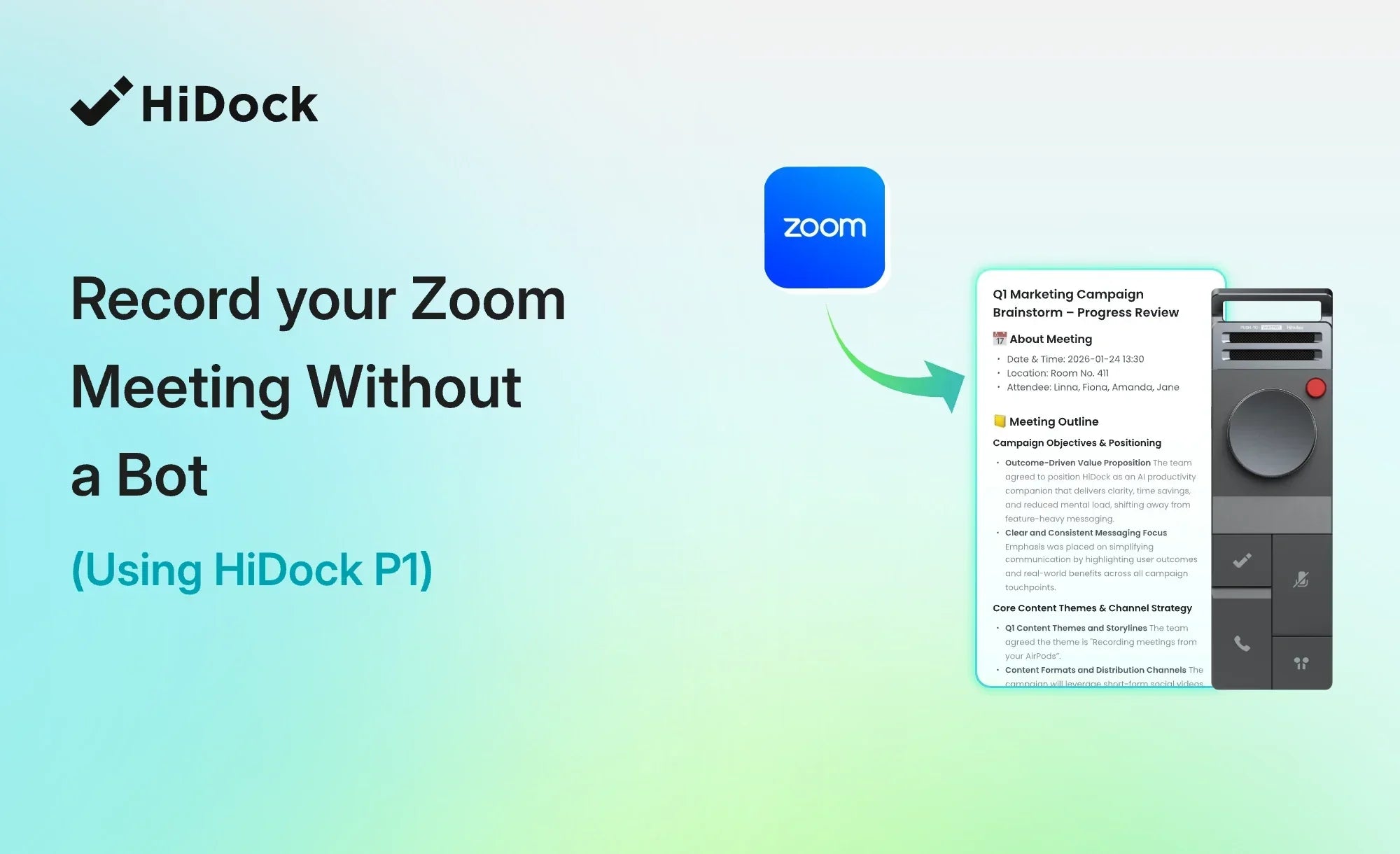
If your day involves a Zoom call in the morning and a client call on the phone at lunch, here is what that workflow actually looks like end to end. Check how to record your Zoom meeting with HiDock P1.
The room. Room Mode captures multiple speakers around a table without a bot or a platform, and works independently — no phone or computer connection required. Wildman Tech tested it with five people talking in a retro conference room. "HiDock P1: AI Voice Recording in a Retro Package" by Wildman Tech — independent third-party review.
Everything else. A voice note to yourself. Whisper Mode (P1 only) handles the quiet ones. It records because you pressed the button, not because software recognized the context.
The P1 holds around 1,000 hours of recordings. Each individual recording stops at four hours, so an all-day event means starting a fresh one between sessions. The battery runs for eight hours on its own; plugged into a computer that's on power, charging stops being a constraint. The P1 mini holds the same 1,000 hours. Audio stays on the device and syncs to HiNotes when you choose.
One device, three formats


What costs money and what doesn't
Buying a P1 ($169) or P1 mini ($119) includes lifetime AI transcription and summaries with no subscription and no monthly minute cap. That is the part most competitors meter.
HiNotes Pro is an optional upgrade for advanced features — speaker identification (up to 10 speakers), 39+ summary templates, Live Transcription & Translation, and export to Notion, OneNote, and Google Docs. It's quota-based rather than a forced subscription: $12.99 for 1,200 minutes or $99.99 for 12,000 minutes, and purchased minutes don't expire. HiNotes Unlimited removes the quota entirely at $24.99/month or $199/year.
Every HiDock device includes the HiNotes Member plan, and that comes with 300 Pro minutes every month at no cost — but you have to claim them. Go to your HiNotes Plan page and claim the current month's minutes.
When to use software instead
If your meetings are all video calls on one platform, a native integration is the better tool. It joins from your calendar automatically and needs no charging. We don't auto-join meetings on your behalf — you press a button.
If you need real-time captions for accessibility throughout every conversation, look at a tool purpose-built for live captioning. Our live transcription is a Pro feature on the P1, not the core design.
If you want a shared team workspace where everyone's meetings pool into one org-wide searchable archive with permissions and admin controls, a platform tool fits better than a personal device.
Hardware earns its place when your conversations do not all happen in one place. If they do, save the money.
The part that decides whether any of this is useful
A recording you can't navigate is just a longer version of the meeting. The difference between a transcript you search once and abandon, and one you actually return to months later, is whether it says Marcus agreed to send the files by Thursday or Speaker 2 agreed to send the files by Thursday. Named attribution is what turns a wall of text into something you can act on.
Check how speaker identification works, what it costs, and when you genuinely don't need it.
Which one fits
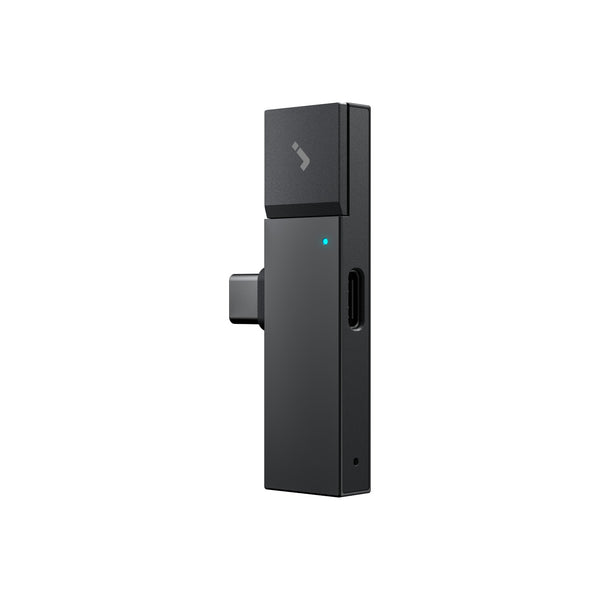
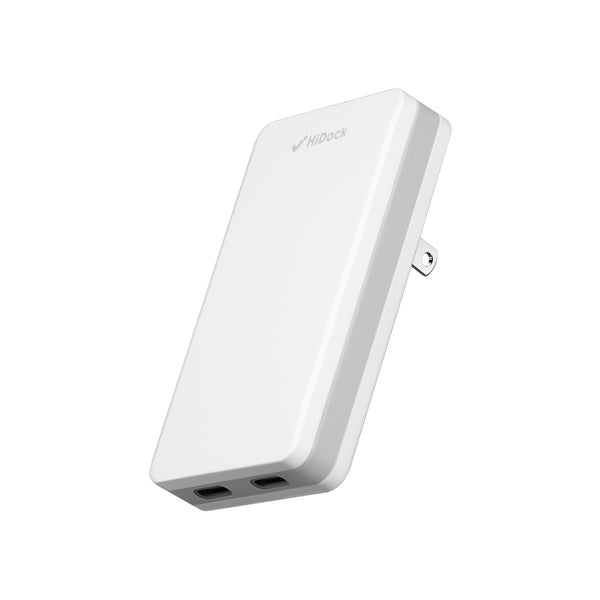
The P1 mini ($119) is the phone-first version — 12g, plugs straight into a USB-C phone, the same 1,000-hour capacity, with Call Mode and Room Mode (no Whisper Mode). Same lifetime free transcription, no laptop required. It suits people whose recording happens on mobile: calls taken on the move, interviews in the field, conversations that never touch a desk.
If your conversations don't all happen in one place, the HiDock P1 covers laptops, phones, and room in one device. If almost everything happens on your phone, the P1 mini does the same job in a smaller package. Either way, transcription is free for the life of the device — there is no subscription to keep the core feature working.

FAQ
Do I need a HiDock device to use HiNotes?
No — you can upload audio and video files from any source and HiNotes will process them. But it's worth separating two things: whether you can use it, and what allowance you get. The Member benefits — lifetime free transcription and summaries, plus 300 Pro minutes each month — are tied to the device and come with the purchase. Without a device, HiNotes still works, but your allowance is whatever plan you're on. What the device actually solves is the first step: capturing the audio at all, which is the part software-only tools struggle with.
Does recording a phone call require the other person's consent?
Consent requirements vary by jurisdiction. Before recording a call, clearly inform the other person that the conversation will be recorded and obtain consent where required.
Can I record without an internet connection?
Yes. Recording is local to the device. Transcription and summarization happen in HiNotes afterwards and do need a connection at that point.
How long can the P1 record?
Each recording stops automatically at four hours — that cap applies whether you are on battery or plugged in, so for an all-day event, start a new recording between sessions. What plugging in changes is the battery: on its own the P1 runs for eight hours, and connected to a computer that's on power, charge is no longer the limit.
Where is my audio processed and stored?
HiNotes runs in Microsoft Azure data centers in the USA, certified to SOC 1-3 and ISO/IEC 27001. Recordings and transcripts are encrypted with AES-256 at rest and TLS 1.2/1.3 in transit. No customer data is used to train AI models — metadata shared with model providers is anonymized, and recordings are split into short segments with the order randomized, so no provider sees a continuous meeting. Full detail at HiDock's security page.
How much can the device record?
Around 1,000 hours of recordings on both the P1 and the P1 mini — you are unlikely to run out between syncs. Both also include unlimited cloud storage through HiNotes.