


The meeting ends. The video call closes. And then — for most professionals — the real work begins.
Someone has to write the recap. Someone has to track down the action items. Someone has to make sure the decision made in the last ten minutes of the call actually gets followed up on. And that someone is usually the same person who just spent an hour trying to stay present in the conversation.
This is the meeting follow-up problem. It is not new, but AI is changing how it gets solved — and in 2026, the most important shift is not what happens during the meeting. It is what happens after.
The Hidden Cost of What Gets Lost After a Meeting
The statistics on meeting follow-up paint a consistent picture.
Without follow-up notes, 70% of meeting decisions are forgotten within 24 hours. Separately, 47% of action items discussed in meetings are never captured at all. And 40% of meetings end without any documented follow-up.
These are not failures of attention. They are failures of process. The average professional spends 25 to 40 minutes after a one-hour call writing recap notes, formatting them, and distributing them — time that compounds across every meeting in the week.
Multiply that across a team attending three or four meetings a day, five days a week, and the follow-up burden becomes one of the most consistent drains on productive time in the modern workplace. The meeting itself is the visible cost. The follow-up is the hidden one.
What AI Changed — and What It Did Not
The first wave of AI meeting tools focused on the transcript. Record the call, convert speech to text, deliver a file. Useful — but not transformative. A transcript of a one-hour meeting is often twenty or thirty pages of text that still requires someone to read, interpret, and organize before anything actionable comes out of it.
The shift happening in 2026 is the move from transcription to intelligence. AI meeting tools now:
- Identify and separate speakers so you know who said what, not just a single undifferentiated block of text
- Extract action items automatically — tasks, deadlines, and owners pulled from the conversation without manual review
- Generate structured summaries in templates designed for specific meeting types — client calls, weekly standups, 1:1s, brainstorm sessions — rather than generic paragraph summaries
- Flag key decisions so they surface in the summary rather than being buried in a page of transcript
- Sync directly to external tools — Notion, Google Docs, OneNote — so the meeting output lands where the work is managed, not in a separate notes app
The cumulative effect is that the post-meeting workflow — which used to be a separate manual task — increasingly runs on its own. Organizations that adopted automated notes and action item tracking improved follow-up completion rates by 42% while reducing overall meeting time by 18%.

Where Hardware Fits Into the AI Meeting Workflow
Software-based AI meeting tools — browser extensions, calendar bots, platform integrations — handle the transcription and summarization side. But they typically require one of a few things: that the meeting runs on a supported platform, that a bot joins the call as a participant, or that the audio routes through the cloud in real time.
For virtual meetings on a laptop that fits. For everything else — phone calls, in-person conversations, Bluetooth earphone calls, field interviews — the coverage has historically been incomplete.
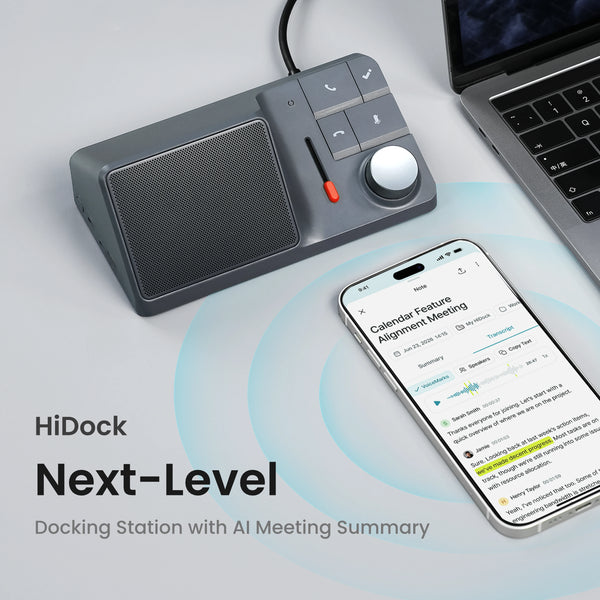
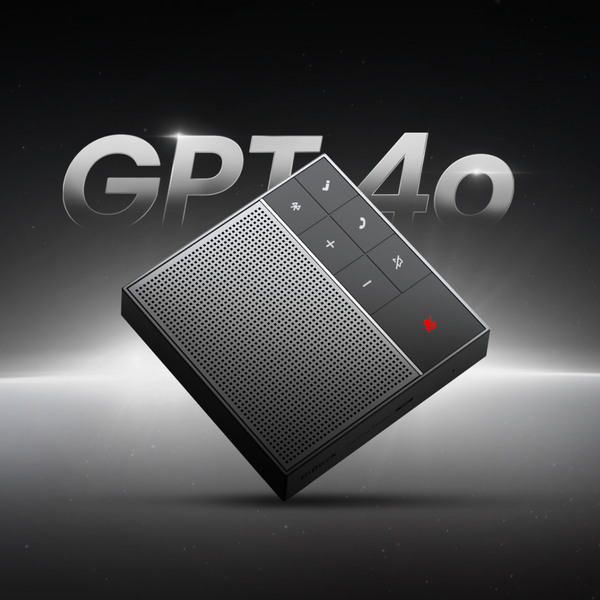
This is where dedicated AI voice recorders close the gap. A device like the HiDock P1 ($169) records directly — capturing both sides of a mobile call through Bluetooth earphones via BlueCatch™ technology, or capturing a room in Room Mode without requiring a platform or a bot in the meeting. The audio is stored locally on the device and syncs to HiNotes after the meeting, where the transcript and AI summary are generated.
The result is that the post-meeting AI workflow extends to every conversation — not just the ones that happen on Zoom.

What Happens in HiNotes After a Recording
HiNotes is HiDock's AI notes companion, available on web (Chrome or Edge), iOS, and Android. When a recording syncs from a HiDock device, here is what the post-meeting output looks like:
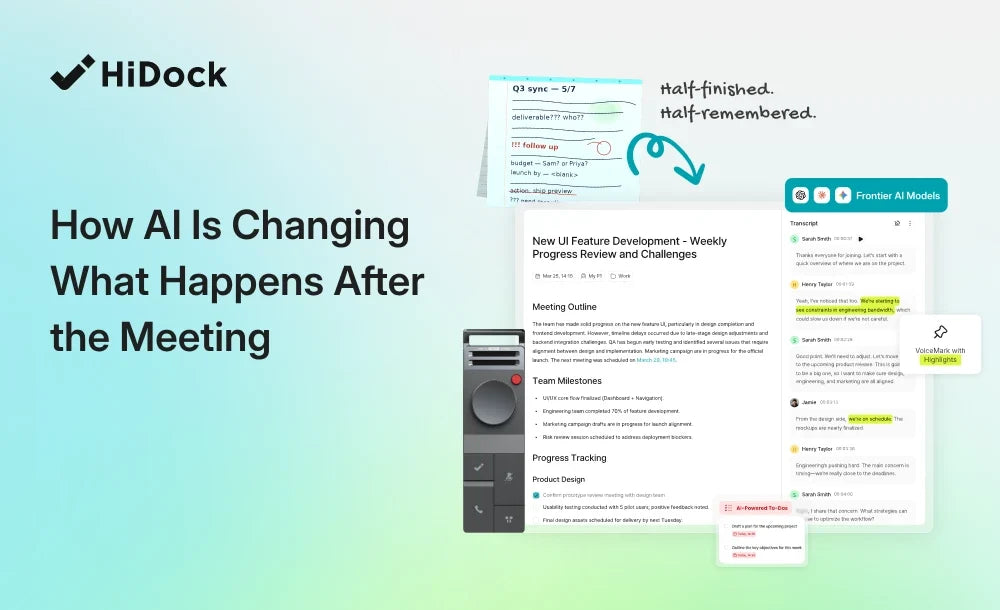
- Full timestamped transcript Every word, attributed to labeled speakers, with timestamps. Searchable across every meeting ever recorded.
- AI-generated meeting summary Formatted output in one of eight included templates — General Meeting, 1-on-1, Weekly Team Meeting, Business Call, and others. Choose the template before generating and the AI organizes the output accordingly.
- Action items Automatically extracted from the conversation — tasks, commitments, and follow-ups that the AI identified as having been assigned or agreed to. Listed separately from the summary for immediate use.
- Speaker-identified output With HiNotes Pro, speaker identification separates each voice and labels it in the transcript. Rename "Speaker 1" to a real name and every summary, action item, and transcript entry updates instantly — throughout the document, with no additional step. See the full guide to renaming speakers in HiNotes.
- Export to where the work lives Meeting summaries can be exported to Notion, Google Docs, or Microsoft OneNote with HiNotes Pro, or downloaded as TXT files with the Member plan included free with every HiDock device. See the HiNotes Notion export guide for the step-by-step.
The Practical Difference: Before and After
The clearest way to understand what the AI post-meeting workflow changes is to compare the two versions of the same hour.
Before AI meeting intelligence: The call closes. You spend 25–40 minutes reconstructing what was said from memory and sparse notes. You write a summary, format it, and send it to the team. Two days later, a colleague asks what was decided about the deadline. You search your email and can't find it. You ask the person who was in the meeting. They're not sure either.
With AI meeting intelligence: Once the call closes, the recording syncs automatically. Within minutes, you have a full transcript, a formatted summary in the right template, and a list of action items with names attached. The summary goes to Notion in two clicks. Three weeks later, you search for the deadline decision and find the exact line from the transcript, with the timestamp and the name of who said it.
The difference is not just time saved. It is institutional memory — the ability to retrieve what was decided, who said it, and when, without relying on anyone's recall.
What HiNotes Pro Adds — and What Is Free
Every HiDock device purchase includes the HiNotes Member plan free — unlimited AI transcription and summaries, 8 summary templates, VoiceMarks, calendar integration, and 75-language support, at no extra cost for the life of the device.
Member accounts also receive 300 Pro minutes every month — but you need to claim them. Go to hinotes.hidock.com → your profile icon → Plans, and claim the current month's minutes. Those 300 minutes can be used for speaker identification — the feature that separates voices and assigns labels in the transcript — without purchasing anything.
HiNotes Pro is an optional quota-based upgrade for users who need more than 300 minutes of speaker identification per month: $12.99 for 1,200 minutes or $99.99 for 12,000 minutes, with no expiry on purchased quota. HiNotes Unlimited removes the quota entirely at $24.99/month or $199/year.
Pro also unlocks export to Notion, Google Docs, and OneNote, along with 39+ summary templates and additional export formats (PDF, Word, CSV, SRT, Markdown).
Who This Workflow Is For
The AI post-meeting workflow that HiNotes enables works for a specific kind of professional:
People who record meetings across multiple formats. Zoom calls in the morning, a client phone call at lunch, an in-person interview in the afternoon. Software-only tools cover the first scenario well. A HiDock device covers all three.
People who need named attribution. A summary that says "Speaker 2 agreed to send the files by Thursday" is less useful than one that says "Marcus agreed to send the files by Thursday." Speaker identification makes the summary immediately actionable.
People who manage information across tools. If your work lives in Notion, the best meeting notes are the ones that show up there automatically — not in a separate app you have to remember to check.
People who need a searchable record over time. HiNotes stores every processed meeting and keeps them fully searchable. Search for a name, a project, or a decision across months of recordings and find the exact moment it was discussed.
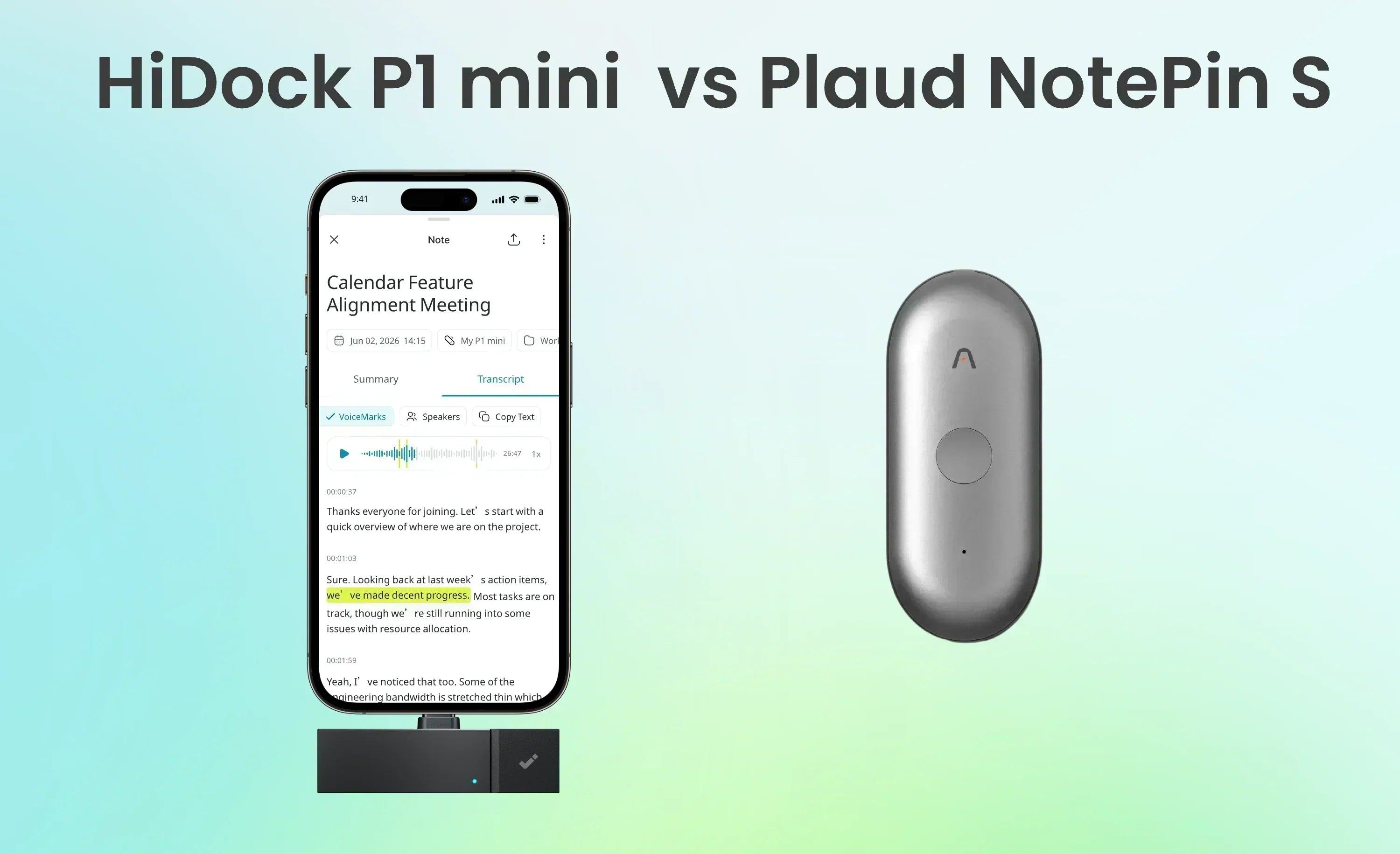
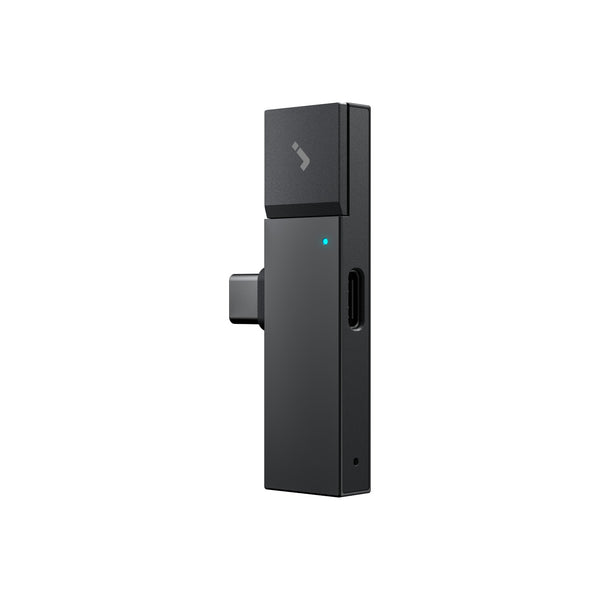
The HiDock P1 mini ($119) supports the same workflow in a lighter form factor — 12g, plugs directly into a USB-C phone, around 1,000 hours of local storage, and the same lifetime free transcription. It suits professionals whose recording happens primarily on mobile: calls on the move, interviews in the field, conversations that never touch a desk.Frequently Asked Questions
Does HiNotes work without a HiDock device?
HiNotes is designed to work with HiDock recorders — it receives recordings from the device and processes them into transcripts and summaries. You can also upload audio files directly to HiNotes if you have a recording from another source.
Can I use AI meeting summaries without speaker identification?
Yes. Speaker identification is optional — it uses Pro quota (or your monthly 300 free Pro minutes after claiming them). Without it, HiNotes still generates a full transcript and AI summary, just without named speaker labels. The summary is accurate and useful even with generic speaker labels.
How long does HiNotes take to process a recording?
Processing time depends on recording length and the AI model selected. Most meetings process in a few minutes. Longer recordings may take longer. An internet connection is required during processing.
Does the action item extraction work automatically?
Action items are extracted as part of the AI summary generation — they appear as a separate section in the output when the selected template includes them. The General Meeting template includes action items by default. You do not need to do anything additional to trigger extraction.
Can I search across old meeting transcripts?
Yes. Every processed meeting in HiNotes is stored chronologically and is fully searchable. You can search for any word, name, or phrase across all your meetings. This is one of the most practically useful features for professionals who need to reference past decisions or commitments.
Is the recording stored on the device or in the cloud?
HiDock devices store recordings locally on the device itself — around 1,000 hours on both the P1 and the P1 mini — until you choose to sync. The audio is then processed through HiNotes' cloud infrastructure. Recordings are not uploaded automatically without your action.
The Shift Is Already Happening
The most significant thing about the post-meeting AI workflow is that it removes a decision from the process. When follow-up notes are automatic, they happen. When they require effort, 40% of the time they do not.
The difference between meetings that generate real follow-through and meetings that dissolve into collective memory is increasingly whether teams have systematized their post-meeting process or left it to individuals to do manually.
AI does not make meetings more productive by making them shorter or more focused — though those outcomes can follow. It makes meetings more productive by ensuring that what was decided and committed to in the room does not disappear the moment the call closes.
For professionals who want to close that gap without adding a bot to every call or a subscription to every platform, a hardware-based workflow — HiDock device, HiNotes, one press of a button — is the most direct path from conversation to organized, searchable, shareable record.