


Software AI notetakers have changed how professionals handle meetings. Instead of trying to type every decision, deadline, and follow-up during a call, users can now rely on meeting transcription tools to generate transcripts, summaries, and action items after the conversation.
For scheduled online meetings, this is genuinely useful. If your workday mainly happens inside Zoom, Google Meet, or Microsoft Teams, an AI software notetaker can save time and reduce the pressure of manual note-taking.
But professional work does not only happen inside meeting platforms.
A consultant may take an urgent client call from an airport. A journalist may record an interview in a café. A student may want to capture a lecture. A sales manager may speak with a prospect through Bluetooth earphones while walking between meetings. A researcher may collect field interviews. A manager may leave a meeting and immediately record a private voice note before the details fade.
These moments are often where the most valuable information appears, but they do not always fit neatly into a software-only meeting workflow.
This is why more professionals are becoming interested in the dedicated AI notetaker: a portable AI notetaker device designed to capture calls, meetings, interviews, lectures, in-person conversations, and voice notes, then turn those recordings into structured notes through an AI notes app.
The shift is not about saying software-only tools are bad. They are useful and will continue to be useful. The real shift is about workflow. Professionals increasingly need tools that work across online meetings, phone calls, Bluetooth earphones, offline conversations, and mobile work situations. A dedicated AI notetaker can support that broader reality.
What Software-Only AI Notetakers Do Well
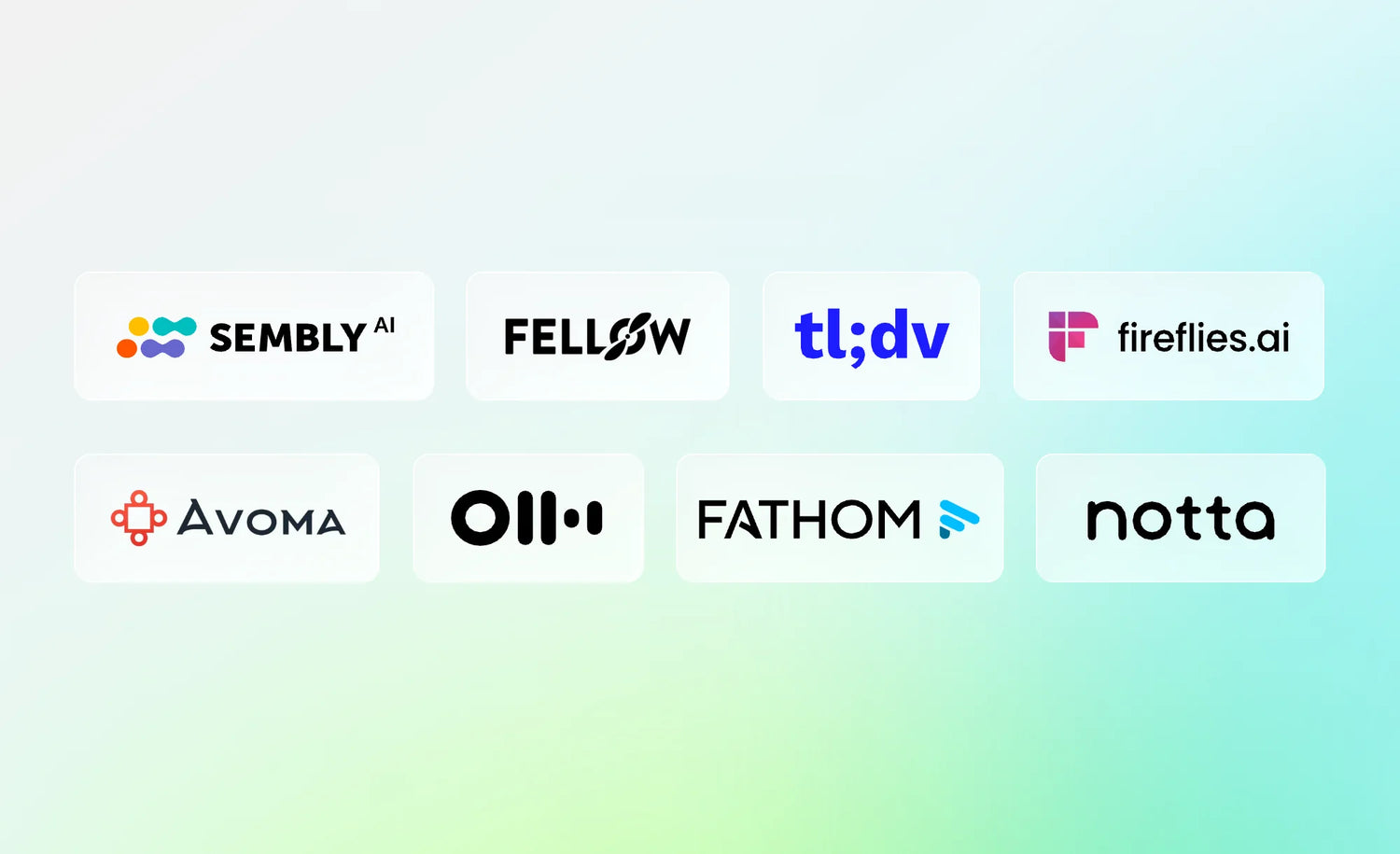
Software-only AI notetakers have become popular because they solve real meeting problems. Tools such as Otter.ai, Fireflies.ai, Fathom, Fellow, Avoma, Notta, tl;dv, and Sembly AI help users record, transcribe, summarize, and organize meeting information.
Otter.ai is commonly used for transcription, meeting summaries, and searchable notes. Fireflies.ai focuses on meeting recording, transcription, summaries, and integrations. Fathom is often used for meeting summaries, highlights, and follow-ups. Fellow is more focused on meeting agendas, collaboration, and action items. Avoma is often positioned around sales and customer-facing meeting intelligence. Notta, tl;dv, and Sembly AI also support transcription, summaries, and meeting productivity workflows.
For remote teams, these tools can be highly practical. A meeting bot can join a scheduled call, capture the conversation, generate a transcript, and help the team review what was discussed. Some tools also connect with calendars, CRMs, project management systems, or collaboration platforms, which can reduce the manual work that usually follows meetings.
This makes software-only AI notetakers a strong fit for teams that already work mainly inside software platforms. If every meeting is scheduled, online, and tied to a calendar invite, a software AI notetaker can be a simple and efficient solution.
They are especially useful when:
- Meetings happen mainly on Zoom, Google Meet, or Microsoft Teams
- Teams need shared summaries and searchable transcripts
- Sales teams want call notes connected to CRM workflows
- Managers need meeting agendas and follow-up tasks
- Remote teams want consistent meeting documentation
- Users prefer a browser-based or app-based workflow
In this context, software-only AI meeting assistants are not limited because of quality. They are limited because they are optimized for a specific type of work environment: the software-based meeting environment.
The Workflow Gap: Where Software-Only AI Notetakers Start to Feel Limited
The main limitation of a software AI notetaker is not always the AI. It is the workflow.
Most software-only tools begin from a meeting platform, calendar event, meeting link, app permission, browser extension, or bot invitation. That starting point makes sense for scheduled video meetings. But many professional conversations happen outside that structure.

A client may call unexpectedly. A colleague may explain something important after a meeting has ended. A student may need to record a lecture in a classroom. A journalist may conduct an interview in a noisy café. A sales professional may take a call through Bluetooth earphones while away from a desk. A consultant may record ideas between client sessions. A researcher may gather interviews in the field.
These situations do not always involve a meeting link. They may not happen inside Zoom or Teams. They may not be connected to a calendar event. They may not be comfortable with a visible bot joining the conversation.
This is where software-only tools can start to feel less natural.
There are also practical issues. A phone recording app may drain battery during a long conversation. A browser extension depends on the right browser, platform, and permissions. A meeting bot may not be appropriate for sensitive conversations. Some tools may require paid plans for longer recordings, advanced summaries, CRM integrations, extra storage, or team features.
Bluetooth earphone calls can create another layer of difficulty. Many professionals use AirPods or other wireless earbuds throughout the day, but recording both sides of a Bluetooth call can depend on the operating system, app, device, permissions, and audio routing setup.
This gap explains why professionals are looking beyond software-only AI notetakers. They do not only need meeting summaries. They need a more flexible way to capture spoken information wherever it happens.
What Is a Dedicated AI Notetaker Device?
A dedicated AI notetaker is a portable hardware device designed to capture audio from calls, meetings, interviews, lectures, in-person conversations, and voice notes. The recording can then sync with an AI notes app, where it becomes a transcript, summary, action-item list, searchable note, or shareable record.
The key difference is the starting point.
An AI software notetaker usually starts with the question, "Which online meeting should I join?”
A dedicated AI notetaker starts with a different question: “What conversation do you need to capture?”
That difference matters because modern work is no longer tied to one meeting app or one device. Professionals move between laptops, phones, Bluetooth earphones, meeting rooms, cafés, classrooms, airports, and client sites.
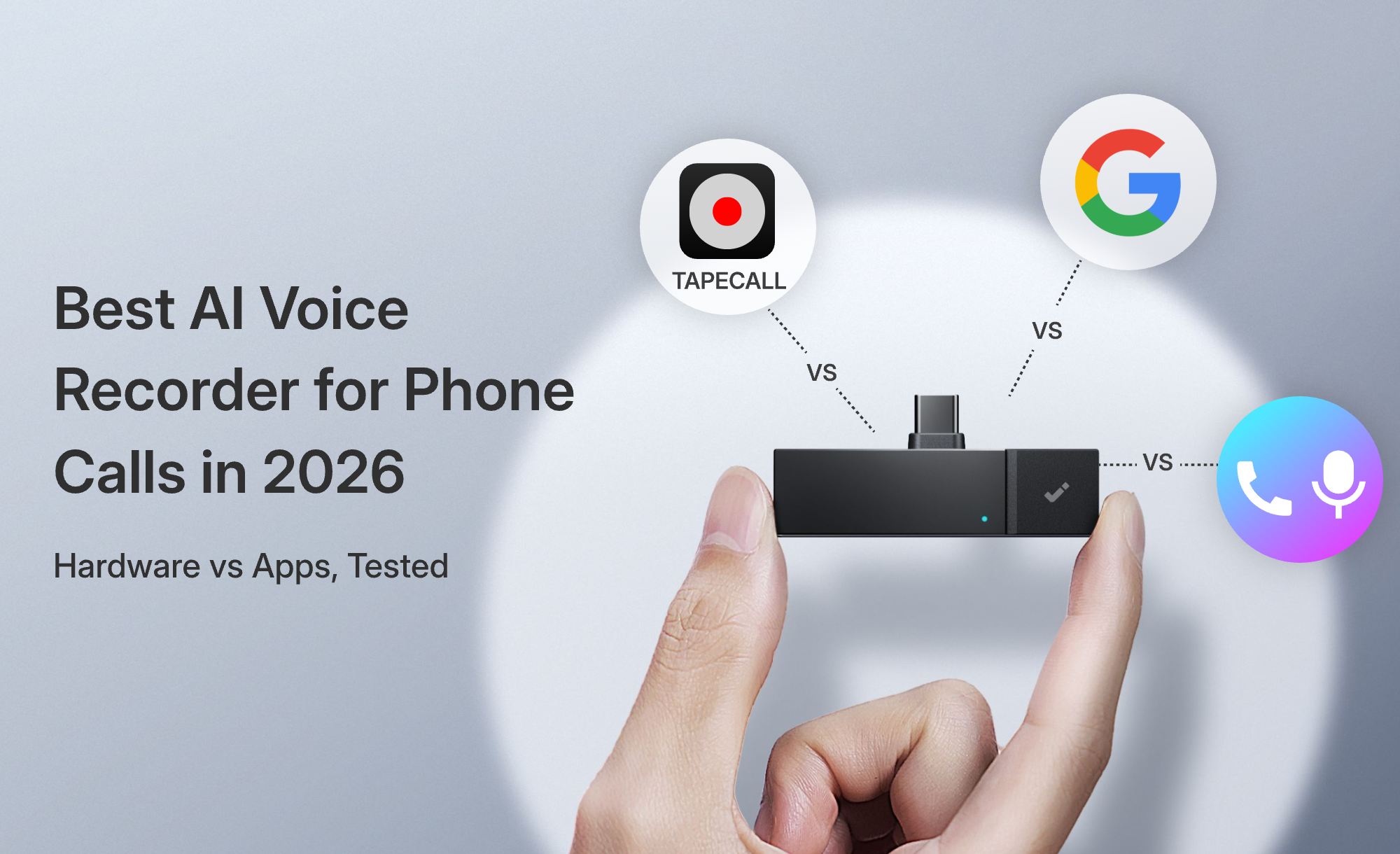
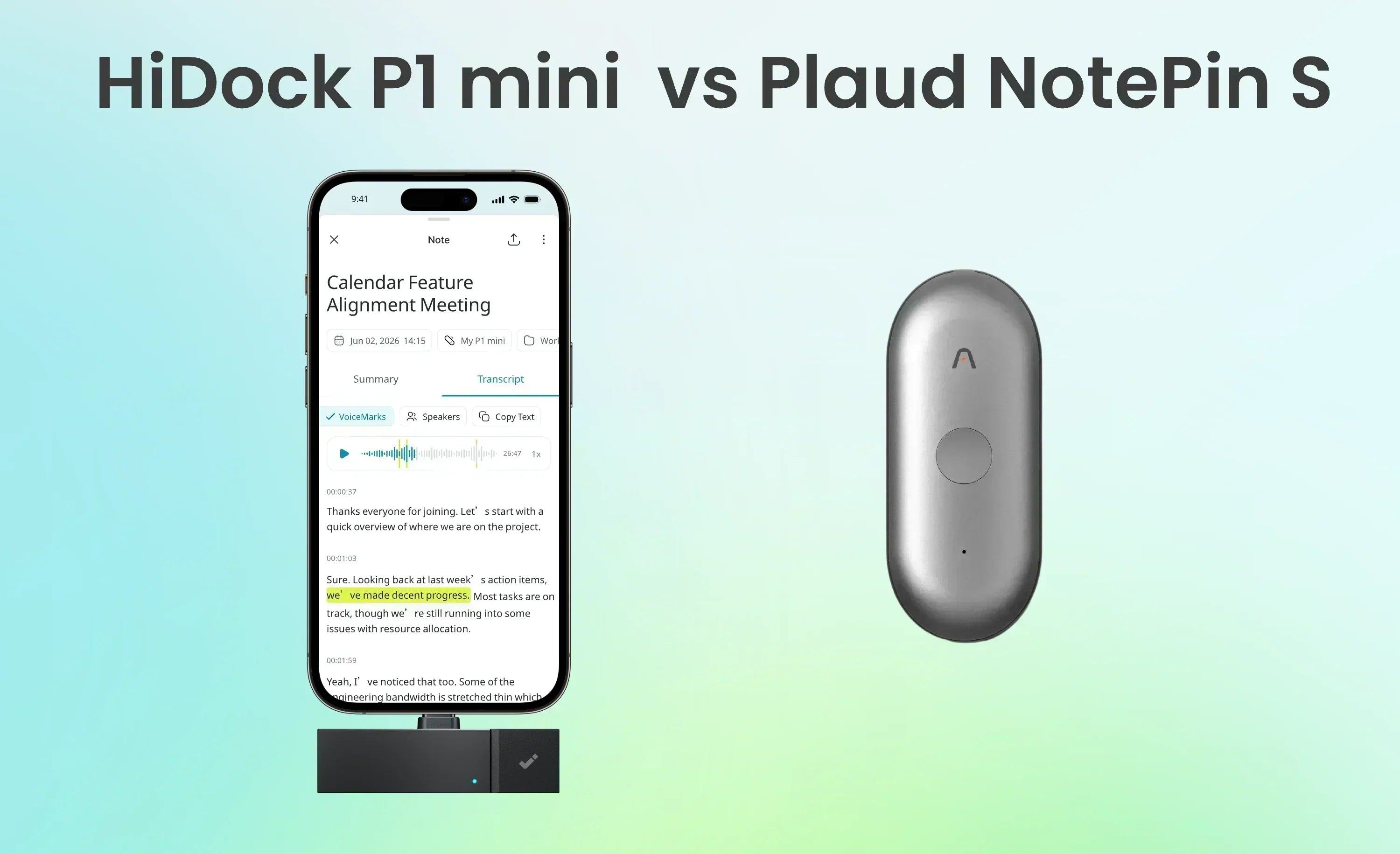
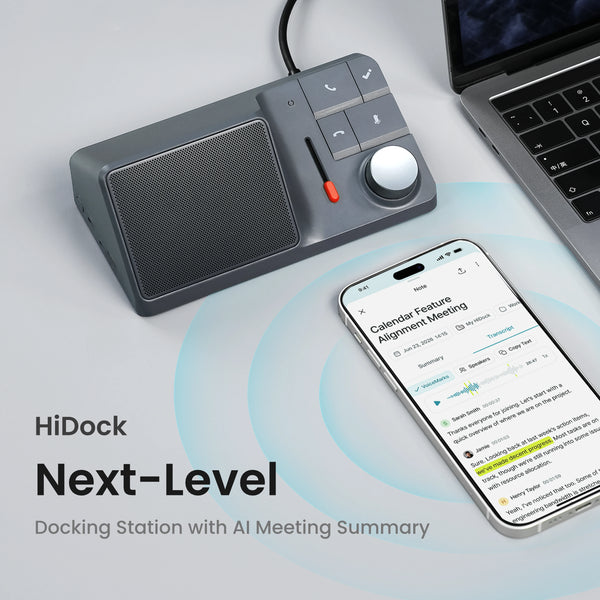
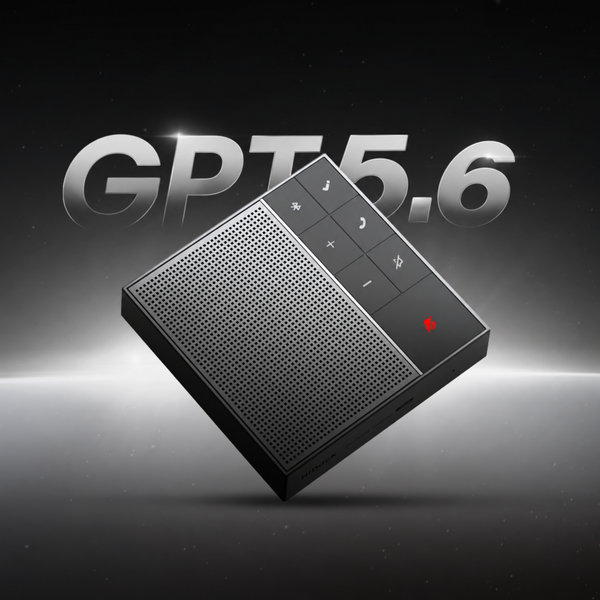
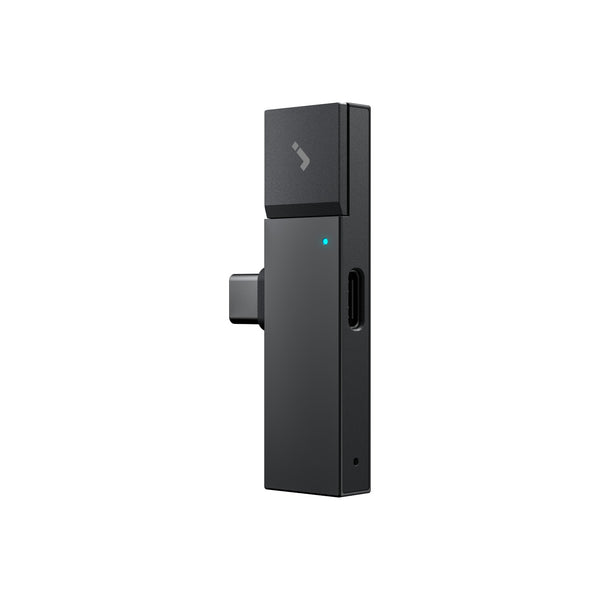
HiDock P1 is one example of this dedicated-device approach. It is positioned as a portable AI voice recorder for Bluetooth earphones, designed to capture calls, meetings, conversations, and quick voice notes. Recordings sync with HiNotes, where users can generate transcripts, summaries, and action items.

The value is not only hardware. A dedicated AI notetaker becomes useful when it combines reliable capture with AI-powered organization. The device records the conversation, and the AI notes app helps turn that conversation into something searchable, structured, and easier to act on.
Reason 1: Dedicated Devices Capture More Real-Life Scenarios
The strongest reason professionals are switching to a dedicated AI notetaker is flexibility.
Software-only tools are usually strongest when the meeting is scheduled, online, and platform-based. A dedicated AI notetaker device is designed for a wider range of real-world situations.
HiDock P1, for example, supports different recording modes for different situations: Call Mode for calls and meetings, Whisper Mode for quick personal voice notes, and Room Mode for in-person conversations.

This makes a dedicated AI notetaker less like a single-purpose meeting bot and more like a flexible capture tool for spoken information.
Reason 2: A Better Workflow for Bluetooth Earphone Users
Bluetooth earphones are now part of daily professional life. Many people take calls through AirPods or other wireless earbuds because they are convenient, private, and easy to use while moving between locations.
But Bluetooth calls can be challenging for software-only recording tools.
Depending on the call app, operating system, microphone permissions, and audio routing, a phone or laptop app may not always capture both sides of the conversation smoothly. Some users may need awkward workarounds, and some software AI notetakers are not designed specifically as Bluetooth call recorder tools.
This is where a dedicated AI notetaker device can support a more natural workflow.
HiDock P1 is designed for professionals who use Bluetooth earphones and need to record calls or meetings. Its Call Mode is intended for call and meeting capture, while BlueCatch is designed to help with Bluetooth earphone pairing and switching.
This can be especially useful for people who move between phone calls and laptop meetings. A consultant may take a call from a phone, join a meeting on a laptop, and then record a quick follow-up thought. A software-only setup may require different tools for each situation. A dedicated AI notetaker can create one more consistent recording workflow.
For readers comparing this use case, a guide can help explain why recording Bluetooth audio is different from recording a standard online meeting.
Reason 3: Less Bot Anxiety in Meetings
Meeting bots are useful in many settings. They make recording visible, they can support transparency, and they help teams access transcripts and summaries after the meeting.
But not every conversation feels natural with a bot in the room.
In a sales call, a prospect may become more guarded when an AI assistant joins. In an interview, a source may speak less freely. In a client strategy session, participants may feel the discussion has become more formal. In HR conversations, legal discussions, or sensitive internal meetings, the presence of a bot may create discomfort.
This is sometimes described as “bot anxiety”: the social tension that appears when participants notice an unfamiliar AI meeting assistant joining a conversation.
A dedicated AI notetaker can support botless recording workflows. This does not mean recording should be hidden or done without permission. Professionals should always follow local consent laws, company policies, and client expectations before recording any conversation.
The point is that, when recording is appropriate and consent has been handled properly, a botless workflow can feel less disruptive.
This matters for consultants, journalists, sales teams, researchers, and managers who rely on trust and natural conversation.
Reason 4: Hardware Reduces Workflow Friction
A useful productivity tool should reduce the number of steps between intention and action.
Software-only AI notetakers can be powerful, but they often require setup. Users may need to open the right app, check the microphone, invite a bot, approve permissions, connect a calendar, confirm the meeting platform, or make sure a browser extension is working.
That setup is manageable for planned meetings. It is less convenient for spontaneous conversations.
Dedicated hardware reduces friction because it has one clear purpose: capture audio when needed.
This creates several practical benefits:
- Less dependence on a laptop
- Less need to open a specific app before every conversation
- Less pressure on phone battery
- Easier recording while traveling
- More consistent capture habits
- Fewer missed details from spontaneous conversations
The physical nature of a device can also make recording feel more intentional. Instead of hoping the right software is running in the background, the user has a dedicated tool for capturing spoken information.
This does not mean hardware is always better. Some teams may prefer cloud-based software because it fits their collaboration systems. But for professionals who frequently work across locations, devices, and conversation types, hardware may reduce the small points of friction that cause important details to be missed.
Reason 5: Dedicated Devices Connect Offline Conversations to AI Workflows
A dedicated AI notetaker is not valuable only because it records audio. A basic recorder can already do that.
The real value comes when spoken information becomes organized work output.
A recording becomes useful when it can be turned into:
- A transcript
- A meeting summary
- Action items
- Searchable notes
- Shareable records
- Follow-up tasks
- Study material
- Interview references
- Translated content, depending on product support
This is where the AI notes app matters.
HiDock P1 recordings sync with HiNotes, where users can generate transcripts, summaries, and action items. HiDock P1 buyers get lifetime free transcription and summaries, with optional upgrades for advanced AI features. Pro features such as live translation may be available depending on plan and firmware.
This hardware-plus-software model avoids a false choice. Professionals do not want a simple recorder with no intelligence. They also do not want AI software that only works in limited meeting environments.
They want both: reliable capture and useful AI processing.
This is why the dedicated AI notetaker category is becoming more relevant. It connects offline and real-world conversations to digital productivity workflows.
Reason 6: A Better Fit for Privacy-Conscious Professional Workflows
Professional users care about more than convenience. They care about who joins a meeting, who can access recordings, where transcripts are stored, and whether clients or colleagues feel comfortable.
This privacy discussion needs to be handled carefully.
A dedicated device is not automatically more private or more secure than a software AI notetaker. Privacy depends on many factors, including recording consent, storage settings, encryption, account access, cloud processing, company policy, and user behavior. Software platforms may also offer admin controls, compliance features, and team-level permissions.
However, a device-based workflow may offer more control in some situations.
For example, users may have more control over when recording starts. They may not need to add a visible bot to a meeting. They may be able to separate personal capture workflows from calendar-based automated recording. They may also avoid having a bot appear in meetings where it feels inappropriate.
This is not about claiming one approach is always safer. It is about matching the recording method to the professional context.
For structured company meetings, a software AI meeting assistant with admin controls may be ideal. For individual professionals, mobile workers, researchers, journalists, consultants, and salespeople, a dedicated AI voice recorder may feel more practical and less intrusive.
Software-Only vs Dedicated AI Notetaker: Quick Comparison
The best choice depends on workflow, not just feature count.
If most of your conversations happen in scheduled online meetings, a software-only AI notetaker may be enough. If your work moves across phone calls, Bluetooth earphones, interviews, lectures, travel, fieldwork, and spontaneous voice notes, a dedicated AI notetaker device may be a better fit.

See our HiDock vs Otter.ai comparison and HiDock P1, Fireflies.ai, and Fellow guide for product-level details
How to Choose Between a Software AI Notetaker and a Dedicated AI Notetaker
The right tool depends on how you work.
Choose a software-only AI notetaker if:
Most of your meetings are online, scheduled, and team-based. These tools are often a good fit when your organization depends on Zoom, Google Meet, Microsoft Teams, CRM workflows, calendar integrations, and shared meeting notes.
- A software AI notetaker may be better if:
- Most meetings are scheduled online
- Your team needs calendar or CRM integrations
- Your company wants centralized admin controls
- Collaboration happens mainly inside meeting platforms
- You need a bot that automatically joins calls
- You mainly want summaries of online meetings
Choose a dedicated AI notetaker device if your work moves across more environments. This is especially useful if you take many phone calls, use Bluetooth earphones, conduct interviews, attend lectures, travel frequently, or record private voice notes.
A dedicated AI notetaker may be better if:
- You take many phone or Bluetooth earphone calls
- You need a Bluetooth call recorder workflow
- You record interviews, lectures, or field conversations
- You travel often
- You want botless recording when appropriate
- You need to capture quick voice notes
- You want one workflow across online and offline conversations
For professionals comparing hardware-based options, a Compare HiDock P1, Fireflies.ai, and Fellow can help explain what features to look for beyond basic recording.
Where HiDock P1 Fits Into This Shift
HiDock P1 is one example of the dedicated AI notetaker approach.
It is designed for professionals who want to capture calls, meetings, Bluetooth earphone conversations, in-person discussions, and on-the-go voice notes. It supports Call Mode, Whisper Mode, and Room Mode and uses BlueCatch for Bluetooth earphone pairing and switching. Recordings sync with HiNotes, where they can be turned into transcripts, summaries, and action items.
This makes HiDock P1 especially relevant for professionals who do not live entirely inside online meeting platforms.
A consultant can use Call Mode for client calls.
A manager can use Whisper Mode to capture quick follow-up thoughts.
A researcher or journalist can use Room Mode for in-person conversations.
A Bluetooth earphone user can benefit from a workflow designed around wireless call capture.
If your work moves between calls, meetings, interviews, and voice notes, explore how HiDock P1 connects portable recording with AI-powered notes through HiNotes .
Conclusion
Software-only AI notetakers have helped professionals automate meeting notes. They are useful for scheduled online meetings, team collaboration, summaries, follow-ups, and CRM-connected workflows.
But professional work is no longer limited to online meetings.
Important information now comes from phone calls, Bluetooth earphone conversations, client discussions, interviews, lectures, fieldwork, quick voice notes, and informal conversations. These moments often happen outside the platforms where software-only AI meeting assistants work best.
That is why the dedicated AI notetaker is becoming more relevant.
A dedicated AI notetaker device combines portable recording with AI-powered notes. It can reduce friction, support more real-life scenarios, and help professionals turn spoken information into transcripts, summaries, and action items.
For teams that only need online meeting summaries, software-only tools may still be the right choice. But for professionals who work across devices, locations, and conversation types, a dedicated AI notetaker offers a more flexible way to capture the full workday.
Frequently Asked Questions
What is a dedicated AI notetaker?
A dedicated AI notetaker is a portable hardware device designed to record calls, meetings, interviews, lectures, in-person conversations, and voice notes. The recordings usually sync with an AI notes app that can generate transcripts, summaries, action items, and searchable notes.
Is a dedicated AI notetaker better than a software AI notetaker?
It depends on your workflow. A software AI notetaker is often better for scheduled online meetings and team collaboration. A dedicated AI notetaker is usually better for professionals who need to capture phone calls, Bluetooth earphone calls, interviews, lectures, field conversations, and voice notes outside standard meeting platforms.
Can a dedicated AI notetaker record phone calls?
Some dedicated AI notetaker devices are designed for call recording, but the exact setup depends on the product, device, app, and local recording rules. Always check the product documentation and follow local consent laws before recording calls.
Can AI notetaker devices work with Bluetooth earphones?
Some AI notetaker devices are designed for Bluetooth earphone workflows. For example, HiDock P1 is positioned as a portable AI voice recorder for Bluetooth earphones and includes BlueCatch for Bluetooth pairing and switching.
Learn more about HiDock P1
Who should use a dedicated AI notetaker device?
A dedicated AI notetaker device is useful for consultants, sales professionals, journalists, students, managers, researchers, frequent travelers, and hybrid workers who need to capture information across calls, meetings, interviews, lectures, and voice notes.