


Breaking down language barriers just got a whole lot easier. We are thrilled to announce the official release of our Live Transcription & Translation feature—now in Beta!
Whether you're in a global business meeting or catching up with a foreign friend, our real-time translation is designed to keep the conversation flowing without the awkward pauses.
🌍 What is Live Transcription & Translation?
Live Transcription & Translation allows you to see translations in real-time as someone speaks. No more waiting for the speaker to finish and manually translating—our AI handles it on the fly.
Key Highlights
- Dual Mode Support: Whether you are in Room Mode (face-to-face meetings) or Call Mode (remote discussions with earphones), Live Transcription & Translation is ready to assist.
- Beta Access: We are currently in the Beta phase, constantly refining the accuracy and speed based on your feedback.
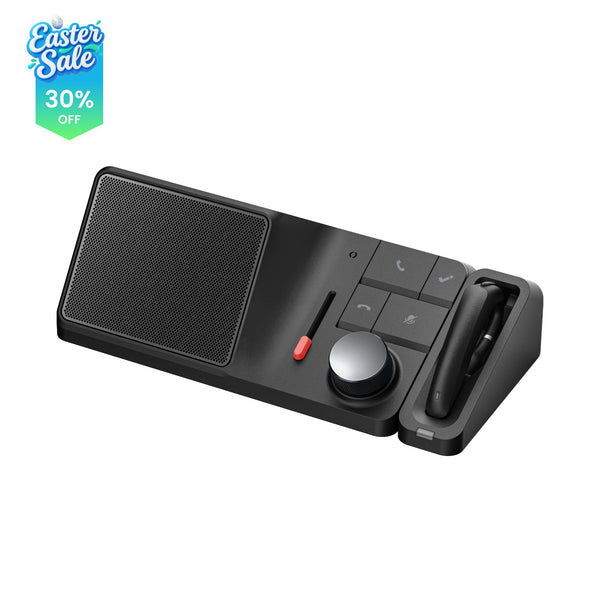
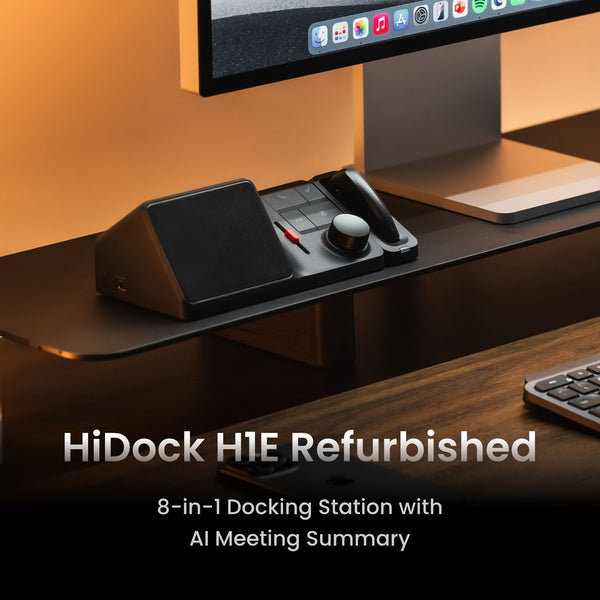
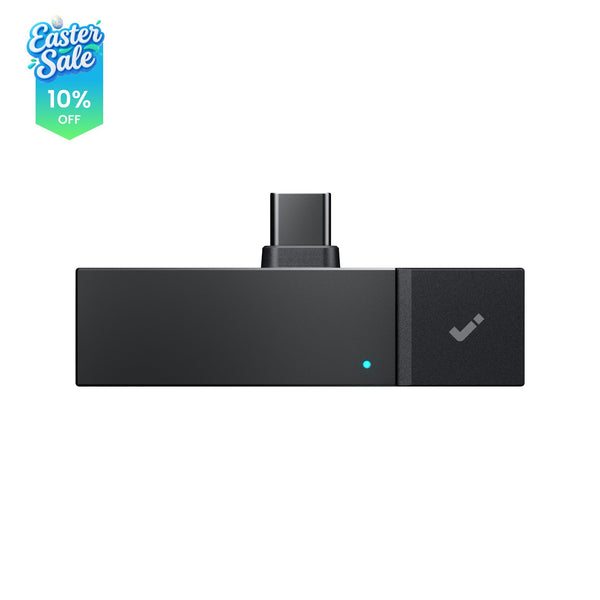
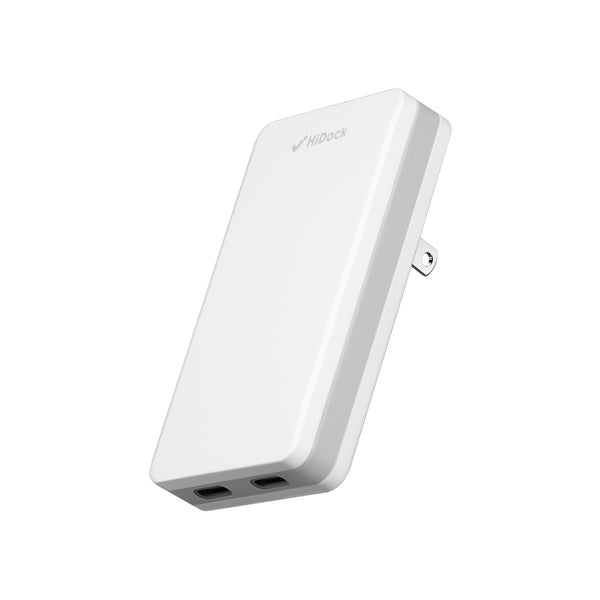
- Product Compatibility: At launch, this feature is exclusively available for the HiDock P1.
Note: Plans for HiDock P1 mini support are currently TBD. Stay tuned for updates!
Live transcription & translation is available on Web app. iOS and Android app support are currently TBD. Stay tuned for updates!
🛠️ Getting Started (How-to)
Before you dive in, ensure your device is ready for the upgrade.
1. Firmware Requirement
To access Live Transcription & Translation, you must upgrade your HiDock P1 firmware to version 1.3.8. You can check for updates in your device settings on HiNotes.

2. How to Enable
Enter the HiNotes Web App: Open your device interface and look for the Live Translation entry point.

Set Your Languages: Select the source language and your target translation language.
We offer recording-free transcription, relieving you of biometric privacy concerns. Users can choose to receive real-time transcripts and AI-generated summaries without saving the recordings for notes.

Go Live: Tap start and watch the magic happen!

Note: During the beta phase, the maximum live translation session duration for a single meeting is 1 hour.
Get Instant Note and Summary: Choose your preferred template and AI engine to generate a summary instantly after the conversation.

💳 Quota & Access Rules
- Unlimited Pro Users: You're all set! Use Live Transcription & Translation as much as you like—no quota will be deducted.
- Pro Users: Quota is deducted based on total connection time (duration). Please note that the quota is calculated by the length of the session, regardless of whether there is "active" audio detected.
- Member Users: Want to try it out? You can claim 300 minutes of Pro trial every month to experience the Live Translation feature for yourself.

🚀 What's Next?
We are working hard to bring this feature to more devices and improve the experience every day. Since this is in Beta, your feedback is our most valuable asset.
Ready to try it? Head over to your settings, update your device firmware to v1.3.8, and start your first translated conversation today!
If you have any questions, please feel free to contact us at support@hidock.com.


