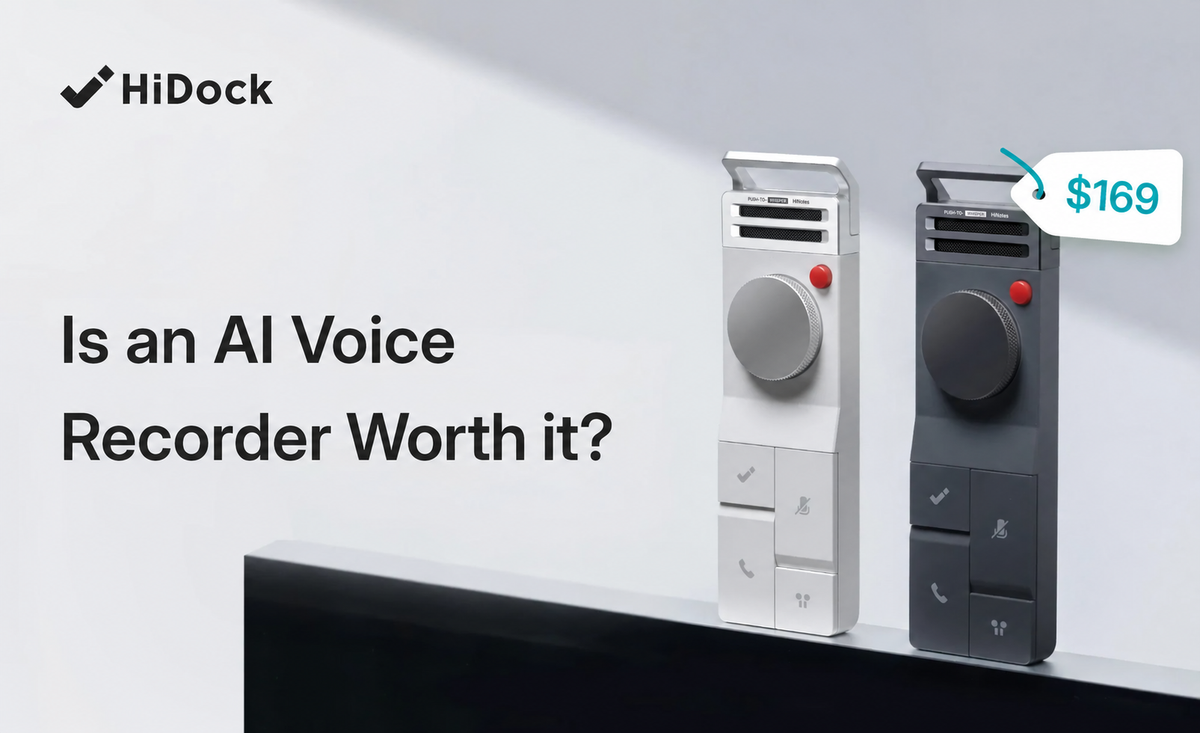



Can you dictate a useful note without disturbing the people around you? HiDock’s Whisper Mode is designed for quick voice notes when speaking at a normal volume would feel intrusive. The word “whisper” needs a qualification, though. It does not mean silent mouthing. HiDock’s guidance says the recorder still needs clear enunciation and some natural voice, even when you speak softly.
We tested the mode in two settings: a quiet library reading room and an open-plan shared office. The notes were spoken in English and kept to 30 seconds or less. We evaluated how quietly we could speak, how push-to-talk handled surrounding sound, and how much editing the HiNotes result needed.
What Whisper Mode Actually Is
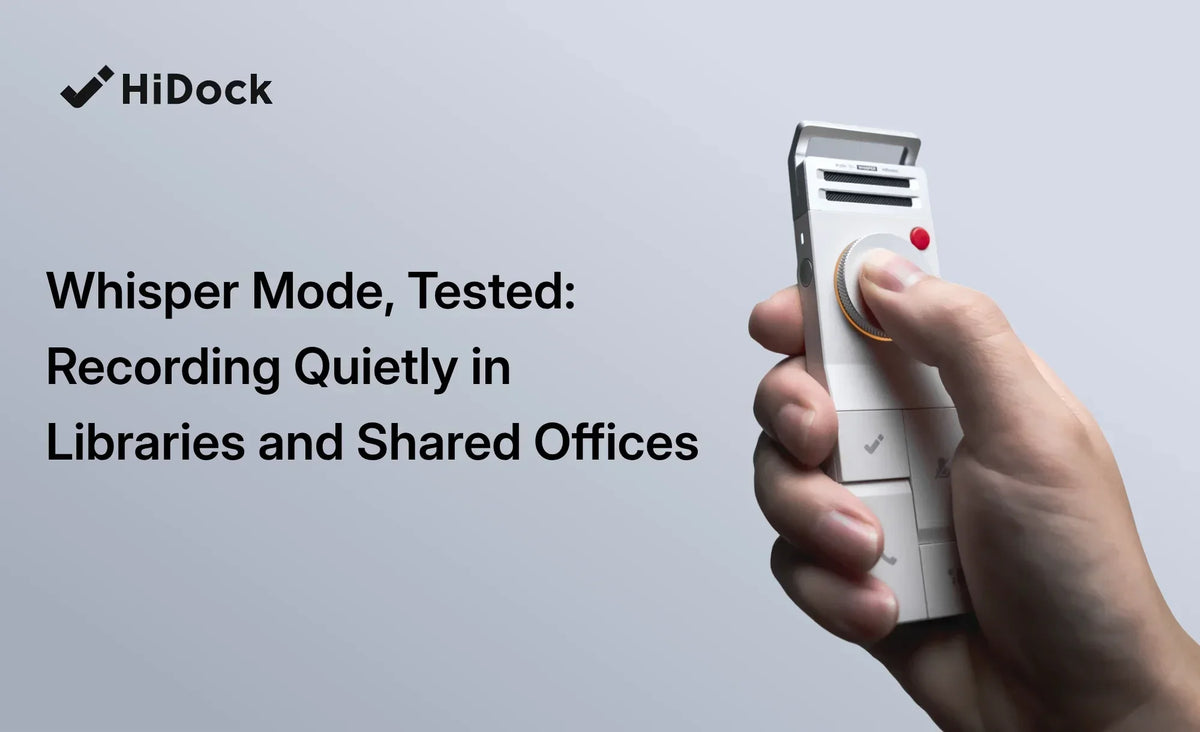
Whisper Mode is a push-to-talk voice-note mode. Press and hold the P1’s wheel, speak, and release when you finish. The hold-to-record action gives you control over when the device listens, which is useful when other people are talking nearby.
Whisper Mode uses the P1’s own microphone. That differs from Call Mode, which is designed to capture call audio through the connected earphones and call path. Room Mode also uses the P1 microphone, but it is intended for capturing sound in the surrounding space rather than a short, user-controlled voice note.
“Quiet” should mean low volume with clear words. Whispering without vocal-cord vibration can reduce speech-recognition accuracy. Keep your lips and voice natural, lower the volume, and enunciate instead of trying to mouth the words silently.

What We Tested
The practical result was clear: when we spoke in a low voice with natural vocal sound, the English transcription was accurate in both settings. Background speech and cross-talk remained the main limitation. These are qualitative observations, not a controlled accuracy benchmark:
For a repeatable comparison, keep the spoken note similar in both settings and compare the same factors: how softly you can speak, how much background sound overlaps your voice, whether push-to-talk prevents unwanted audio, and how much transcript editing is needed. This article does not claim a word-accuracy percentage or a controlled noise measurement.
- Quiet library reading room: the main challenge is keeping your voice unobtrusive while preserving enough clarity for transcription.
- Open-plan shared office: the main challenge is background speech, typing, movement, and occasional cross-talk.
For contrast, the same situations can be understood through the three mode choices:
| Mode | Best fit | How it listens |
|---|---|---|
| Whisper Mode | Short personal notes | Press and hold the wheel; uses the P1 microphone |
| Room Mode | Nearby conversation or meeting audio | Uses the P1 microphone to capture the surrounding room |
| Call Mode | Phone or computer calls with earphones | Uses the call audio path and connected earphones |
Library Test: Low Volume, Clear Enunciation
A library is quiet enough that a normal speaking voice can feel disruptive. Whisper Mode helps because you can hold the wheel only while recording a thought, then release it immediately. That keeps the recording window short and avoids leaving the microphone open while you read or think.
The workable speaking style is closer to a quiet aside than a breath-only whisper. In the library test, the English transcript stayed accurate when we lowered our volume but kept natural vocal sound. Speak toward the device, keep the consonants distinct, and do not drop your voice so far that your vocal cords stop vibrating.
For a short reminder, a discreet low voice can be practical. For a long passage, a very quiet voice becomes tiring and may be slower than typing. The device can help you capture an idea without opening a phone app, but it cannot remove the physical need to articulate the words.
Shared Office Test: Control Beats Coverage
An open office creates a different problem. Typing, keyboard clicks, nearby conversations, and chair movement can compete with a low-volume voice. Push-to-talk helps because the P1 records only while you hold the wheel. You can wait for a short gap in the conversation, capture one sentence, and release immediately.
Whisper Mode is most useful for personal notes in this setting, where the speaker is close to the device and the note is short. It is less suitable when you need to capture several people or a full meeting. Room Mode is the more natural choice for that job, provided everyone has agreed to the recording and the environment is appropriate.
The English transcript remained accurate for short notes when we waited for a pause and kept our voice close to the P1. Cross-talk remains a limitation: if someone speaks at the same time, or background speech is louder than your voice, the recording may need correction afterward. Whisper Mode controls when the device listens; it does not isolate your voice from every sound in the room.
Whisper Mode vs. Just Typing a Note
Typing is often faster for a very short, private reminder and makes no sound beyond the keyboard or screen taps. It is also easier to edit immediately. Whisper Mode becomes more useful when the idea is longer, you are walking or holding something, or speaking is faster than arranging the thought on a small keyboard.
A sensible rule is to type one-line reminders and use Whisper Mode for ideas that would take several lines. In a library, typing may be the better choice when even a low voice feels inappropriate. In a shared office, Whisper Mode can be useful when your hands are busy or when you want to preserve the exact wording of a thought.
From Whisper Mode to a HiNotes Note
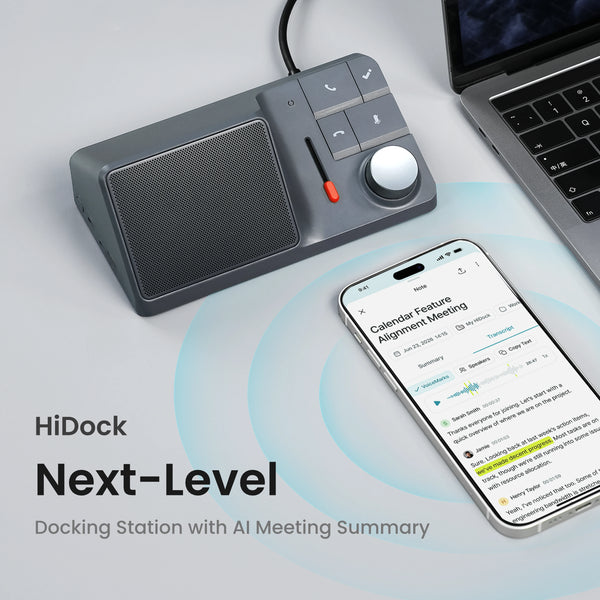
Whisper Mode is the capture step, not the final result. After you finish speaking, sync the recording to HiNotes through your associated P1 device. HiNotes can process the audio into a transcript and an AI-assisted note, so you can review the idea without replaying the entire recording.
A typical workflow looks like this:
- Press and hold the P1 wheel and dictate one idea in a quiet, clear voice.
- Release the wheel to stop the recording, then sync the recording to HiNotes.
- Open the recording in HiNotes and review the saved whispers.

Select multiple whispers when you want to combine them into one summary, such as a to-do list or a short recap.

HiNotes then creates the requested note from the selected recordings. Review the wording and edit the result before sharing or acting on it.

Practical Tips for Using Whisper Mode Discreetly
- Prioritize enunciation over volume. Speak quietly, but keep word endings and consonants clear.
- Hold the P1 close to your mouth. A shorter distance lets you lower your voice without asking the microphone to recover a very weak signal.
- Use short recordings. Press, capture one idea, and release. Short clips are easier to review and less likely to include unrelated background speech.
- Choose a pause. In an office, wait for a gap in nearby conversation before starting.
- Switch to Room Mode for group audio. Whisper Mode is for your own notes; Room Mode is designed for sound in the surrounding space.
- Check local rules and consent. Recording conversations can require permission depending on the people, workplace, and jurisdiction.
FAQ
Does Whisper Mode work if I actually whisper?
It may record, but HiDock advises against breath-only whispering. The speech-recognition system needs clear vocal sound. Use a quiet, natural voice with deliberate enunciation instead.
Can people near me hear it recording?
The P1 does not need to play a loud recording sound for Whisper Mode. People may still hear your voice, so the mode is discreet rather than silent. Keep the recording short and use a low, clear voice.
Does Whisper Mode use the phone’s microphone or the device’s microphone?
Whisper Mode uses the HiDock P1’s microphone. Call Mode follows a different audio path for calls through connected earphones.
Is Whisper Mode good for library or classroom note-taking?
It can work for brief personal notes when quiet speech is permitted. In a library or classroom, follow the venue’s rules and consider typing when any speech would disturb others. It is not a substitute for permission to record a lecture or conversation.
Does P1 need a phone or computer to record in Whisper Mode?
No. HiDock says P1 can record independently in Whisper Mode. You need HiNotes afterward to sync, transcribe, summarize, and organize the recording.
Balanced Verdict
Whisper Mode is useful when you need to capture a short thought discreetly and can still speak with clear, natural articulation. A library rewards low volume and short recordings. A shared office rewards push-to-talk control and careful timing around background conversations.
It does not turn speech into silent dictation, and it does not make noisy rooms disappear. If you need a private reminder while your hands are occupied, it can be more convenient than typing. If you need a full meeting transcript, use the mode designed for the surrounding room and obtain the appropriate consent.