


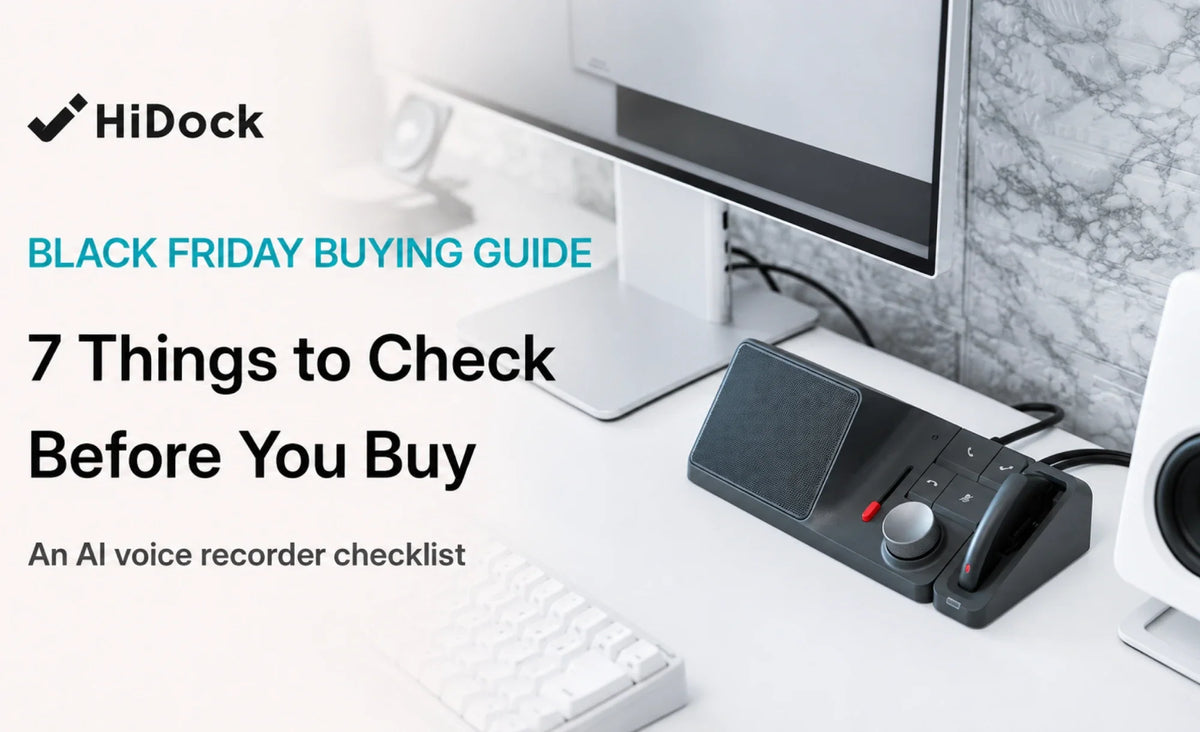
A Black Friday offer can make a meeting-note upgrade tempting. But the best choice starts with where you work: at a desk with a computer and monitor, or on a phone between calls and client visits. HiDock H1E, H1, and P1 mini serve different setups, so compare the way you will use them before comparing the discount.
For a model-by-model comparison, read Which HiDock Is Right for You?. Those questions matter long after the sale ends. The right recorder should fit the conversations you have, produce notes you can use, and make its ongoing costs easy to understand.
This guide focuses on HiDock H1E, H1, and P1 mini. Use these seven checks to decide which fits your conversations, connected devices, and note-taking needs.
1. Can it record the conversations you actually need?
Start with your calendar. Are most of your conversations in meeting rooms, on your laptop, or on your phone? A recorder that suits interviews across a table may need a different setup for online meetings.
For in-person conversations, check how the device captures voices around the room. For calls, find out how it captures both your voice and the person on the other end. This is especially important if you wear earphones: the remote caller’s voice is playing in your ears, rather than through a speaker beside the recorder.
Look for a demonstration of your actual setup.
H1E and H1 suit desktop calls, with a built-in speakerphone and the included E1 earphone. P1 mini offers a compact USB-C setup with Call Mode for your own Bluetooth earphones and Room Mode for in-person conversations. Choose around the calls and meetings you actually have, then check the connection steps for that model.
How HiDock answers it: H1 and H1E record calls on your computer with one press; P1 mini records phone calls and laptop calls through your own Bluetooth earphones with BlueCatch™.

2. Is the recording clear enough to produce useful notes?
A transcript is only useful if it preserves the details you need. A missed name, price, or deadline can create more follow-up work than a polished summary saves.
Test H1E and H1 in the desktop setup you plan to use, including the speakerphone or E1 earphone. For P1 mini, look for a sample from the mode you need: a call through your own Bluetooth earphones or an in-person recording. Listen to the audio and read the transcript from that same recording.
For a meeting room, listen for quieter speakers and people seated farther away. For an online call, check that both sides are audible. For interviews outside the office, pay attention to background noise. Also notice what happens when people interrupt each other.
If you regularly use specialist terms, names, or more than one language, look for examples that reflect those needs.
How HiDock answers it: H1 and H1E provide bidirectional noise cancellation for desktop calls; P1 mini provides Call Mode for earphone calls and Room Mode for in-person conversations.
3. How much transcription is included?
For H1E, H1 and P1 mini, HiNotes Member is included with the device: unlimited transcription and summaries in 75+ languages, for life. Pro minutes are only used for advanced features such as speaker identification, and Member gives you 300 of them every month. Claim them in HiNotes under Profile → Plans. P1 mini stores around 1,000 hours of recordings on the device.
How HiDock answers it: Your H1E, H1 or P1 mini includes lifetime HiNotes Member transcription and summaries; the monthly Pro minutes are for advanced processing, not a cap on core transcription.
4. What will you pay after the Black Friday discount?
The sale price tells you what the hardware costs today. Your first-year cost also depends on the software features and accessories you choose.
Use this simple calculation:
First-year cost = device price + optional software purchases + necessary accessories + applicable tax and shipping.
If the included tools cover your work, your software cost can be zero. Compare the final cart price for H1E, H1, and P1 mini, then add only the extras you need. The value of H1’s additional connections depends on whether you will use them; P1 mini serves a different purpose as a compact recorder.
Read the plan details alongside the device listing. Are speaker labels included? Do the summary templates you want require an upgrade? Is an advertised plan price introductory, and what happens when it renews?
For all three models, separate the included core tools from advanced features. HiNotes Member provides 300 Pro trial minutes each month, which you claim through Profile → Plans. Speaker identification can use that trial quota; continued advanced processing can use purchased Pro quota or an Unlimited plan. Check the current offer and trial details before choosing an upgrade.
How HiDock answers it: HiNotes Member is included with all three devices, so a paid software upgrade is optional when core transcription and summaries cover your work.
5. Does it fit your existing devices and meeting setup?
A compatibility logo is a starting point. You still need to know how the recorder connects to your particular phone, computer, earphones, and meeting software.
Check the physical connector, supported operating systems, and any app requirements. If you use a work-managed laptop, find out whether you can install the necessary software or access the service in a browser.
The HiDock P1 mini is designed around a compact USB-C setup for phone calls and meetings. Its published smartphone support includes iPhone 15 and later models and USB-C Android phones and tablets that support OTG (Lightning iPhones are not supported). P1 mini also records meetings on a computer with firmware 2.3.1 or later (update in the HiNotes app). For Bluetooth-earphone use, its setup involves connecting the device and pairing the earphones through the HiNotes app.

For a desk, compare the connections on H1E and H1. H1E has one HDMI port and 1 Gbps Ethernet; H1 has two HDMI ports, 2.5 Gbps Ethernet, and SD/microSD slots. Display output requires a USB-C port with DisplayPort Alt Mode.
A USB-C connector alone does not establish compatibility. Check the current product-page restrictions for your exact computer or phone, along with its charging needs, before ordering.
How HiDock answers it: H1E provides one HDMI port and 1 Gbps Ethernet; H1 provides two HDMI ports and 2.5 Gbps Ethernet; P1 mini supports OTG-enabled USB-C Android phones and tablets, iPhone 15 and later, and computer recording with firmware 2.3.1 or later.

6. Can you turn the recording into something useful?
Think about what you need to do after a meeting. Sending a client recap, checking an agreed deadline, and preparing an internal handover require different views of the same conversation.
A transcript gives you a text record to review. A summary condenses the discussion. An action list helps you identify agreed next steps. Look for a workflow that lets you move between these outputs and check important details against the recording.
For a project meeting, a useful recap might identify the decision, the person responsible for each task, and the deadline—where those details were actually agreed. Review the result before sharing it, especially when responsibilities or dates are ambiguous.
Also check export formats. The HiNotes feature comparison lists TXT export with HiNotes Member (included with your device), with additional formats such as Word and PDF on paid plans. The format you need should be part of your buying decision.
How HiDock answers it: HiNotes Member includes transcripts, summaries and TXT export; paid plans add export formats such as Word and PDF.
7. Is it easy enough to use every day?
Small inconveniences become noticeable when you repeat them several times a day. Check how you start recording, confirm that recording is active, transfer the audio, and find the resulting notes.
H1E and H1 are worth considering when most calls happen at the same desk and you want your audio and peripherals connected there. P1 mini suits a routine built around a compatible phone and moving between conversations. Test the complete process: connect, record, transfer, review, and share.
Read the return conditions and try your normal workflow while the device is eligible for return. Test the full process rather than stopping after a successful first recording. For work conversations, also check your organization’s recording and data-handling requirements, and obtain appropriate participant permission.
How HiDock answers it: H1 and H1E keep desktop audio and peripherals connected in one dock; P1 mini lets you switch between Call Mode and Room Mode as your workday changes.
Choose for your workday, then compare the deal
A worthwhile Black Friday purchase should still make sense when the sale banner disappears. Start with the conversations you need to capture, check the notes you can produce, and understand the cost of the features you will use.
Use your daily setup to narrow the choice, or read Which HiDock Is Right for You? for more detail:
Black Friday prices (USD): Valid November 19, 2026, at 12:00 a.m. PT through November 30, 2026, at 11:59 p.m. PT. These prices apply only during that offer period; check the final checkout price.
Model |
Consider it when… |
Black Friday price (Nov 19–30, 2026) |
|---|---|---|
H1E |
You want an 8-in-1 desktop audio dock with single HDMI and the included E1 earphone. |
$79 |
H1 |
You want an 11-in-1 desktop audio dock with more connections, including dual HDMI, subject to computer compatibility. |
$89 |
P1 mini |
You want a compact USB-C recorder for phone and computer calls through your own Bluetooth earphones, plus in-person meetings. |
$59 |
Compare H1E and H1, or explore P1 mini, then check the offer for the model that fits your day.
Check current offers for H1E, H1, and P1 mini.
Frequently asked questions
Do H1E, H1, and P1 mini require a subscription?
A paid subscription is not required for the included core transcription and summaries in HiNotes Member. Advanced features have separate trial and upgrade options; check the current plan details for the tools you need.
Which model should I choose for calls with earphones?
For a desktop setup, H1E and H1 include the E1 earphone. For calls using your own Bluetooth earphones with a phone, consider P1 mini and follow its HiNotes app pairing instructions. These are different connection workflows, so verify the one you intend to use.
What is the difference between recording storage and transcription minutes?
Recording storage is the device’s capacity to hold audio files. Transcription minutes refer to the amount of audio a service can convert into text under an allowance or plan. Compare them separately.
What should I check before buying a discounted recorder?
Confirm your recording setup, included software features, ongoing costs, and return conditions. Then compare the final price for the complete setup you actually need.


